
1. Navigate to the Marketing tab

2. Select the Templates tab
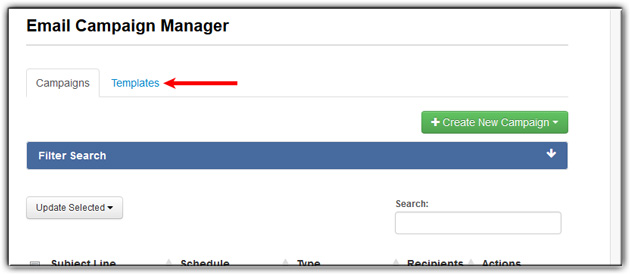
3. Click Create New Template

4. Select a template you would like to add to -OR- leave blank
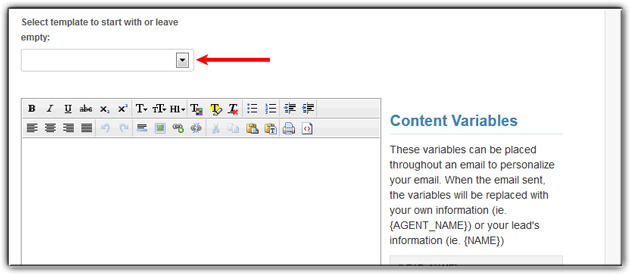
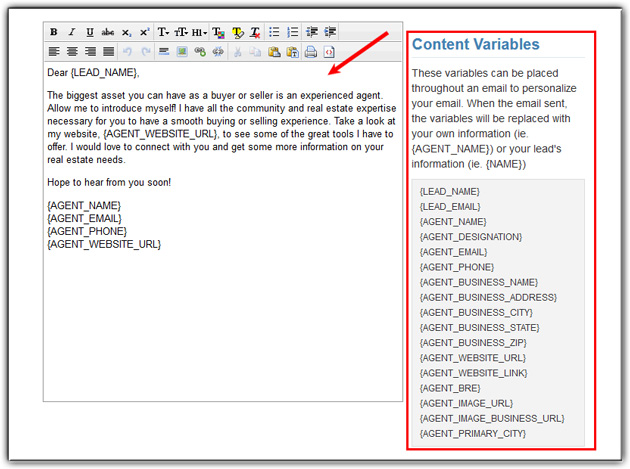
5. If editing, edit the content -OR- create a new template
6. Select Save as Existing or Save as New
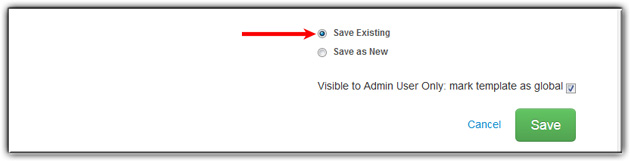
7. If Saving as New, enter a New Template Name
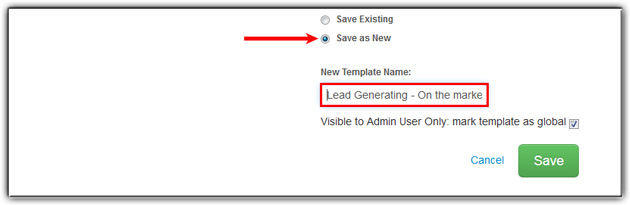
7. Click Save

Last Update: June 11, 2019